Ansible
Ansible is an open-source IT automation tool used for configuration management, application deployment, and task orchestration.
Running Ansible on Kriten
To run Ansible on Kriten, you need a container image with Ansible and any other pre-reqs installed, including any Ansible Galaxy collections.
Ansible example
Clone the kriten-community-toolkit repository
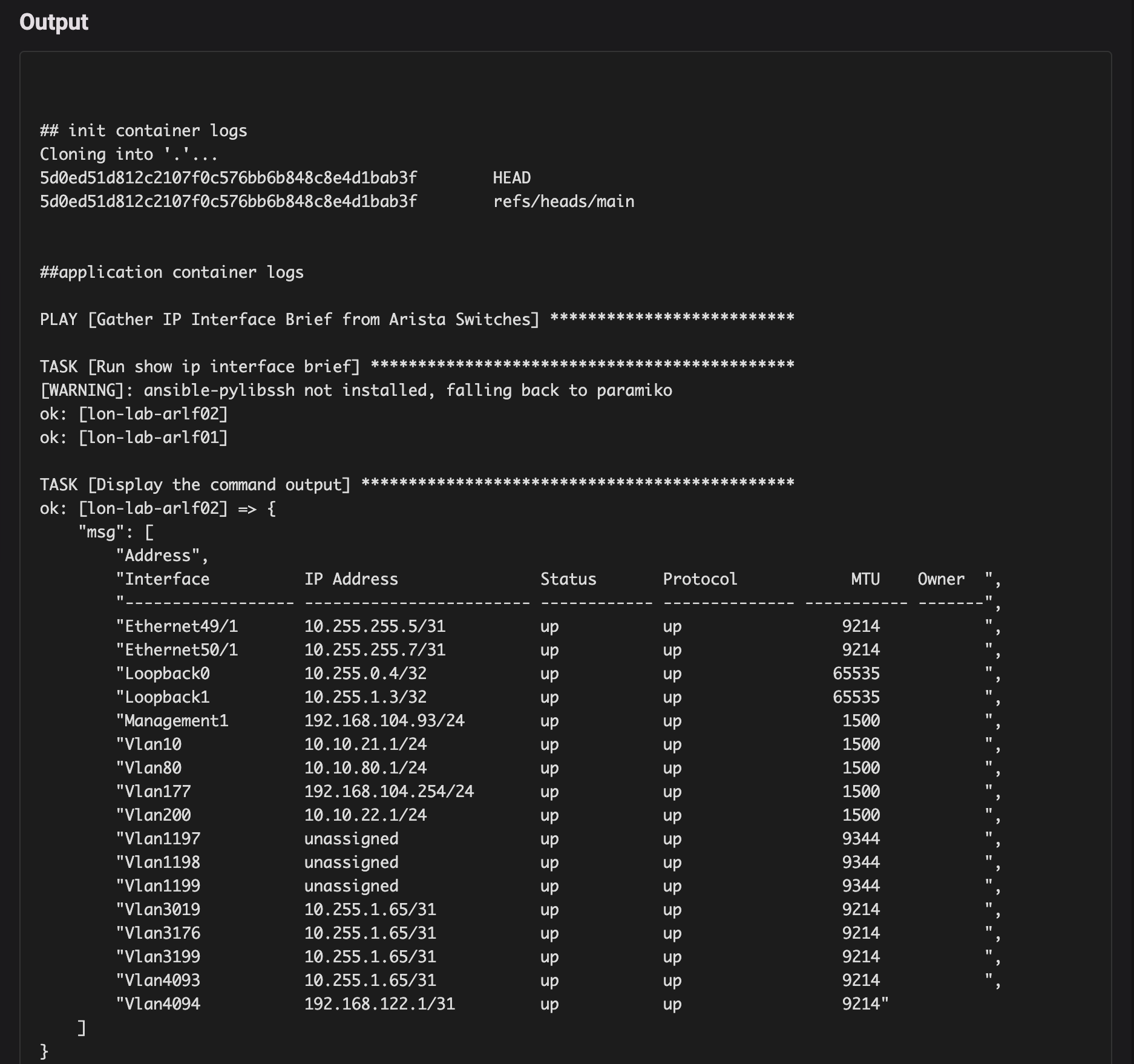
Edit the files in the ansible/sh-ip-int directory.
| Path | Instructions |
|---|---|
| hosts.yml | Set the host names and IP addresses of devices in your network. |
This is a simple script for demonstration purposes, please don't store credentials in production!
Save your code to your own git repository.
Build a container image (or use ours)
Use the Dockerfile to build a container image and push it to the registry used by your k8s cluster.
We have a public image on dockerhub at kubecodeio/ansible:2.21
Add a runner in Kriten
| Field | Value |
|---|---|
| name | ansible-2.21.4 |
| image | kubecodeio/ansible:2.21 |
| gitURL | https://github.com/kriten-io/kriten-community-toolkit.git |
| branch | main |
Add a task in Kriten
| Field | Value |
|---|---|
| name | ansible-sh-ip-int |
| runner | ansible-2.21.4 |
| command | cd ansible/sh-ip-int;ansible-playbook -i hosts.yml sh-ip-int.yml |
| schema |
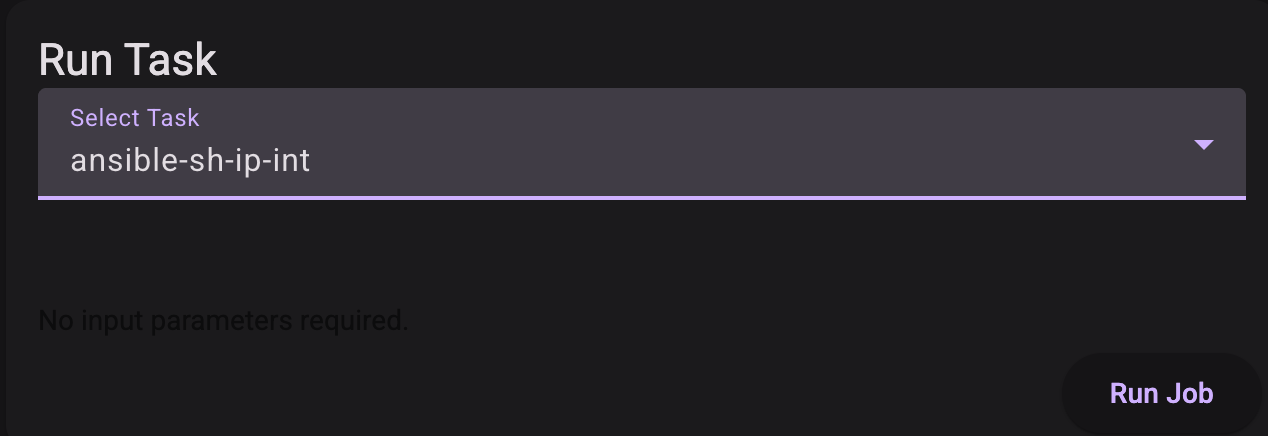
Run task
View job output